Below we will describe the basic functionality of CloudFront Manager. Use the links above to get more information on particular operations.
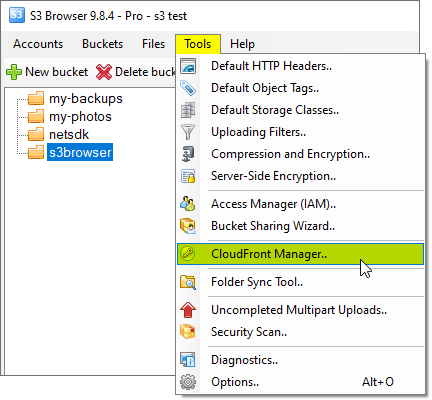
To open CloudFront Manager click Tools -> CloudFront Manager
Click Tools, CloudFront Manager
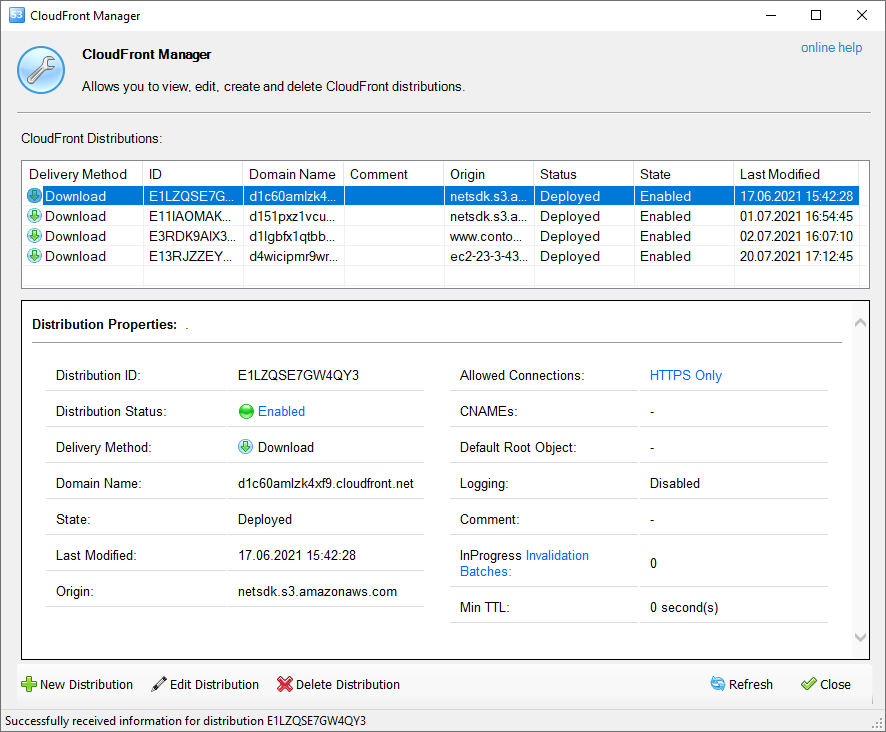
The CloudFront Manager dialog will open:
CloudFront Management Dialog
The table lists all distributions under your account and brief details for each of them and the bottom panel displays detailed properties for selected distribution.
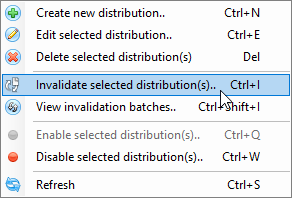
The toolbar at the bottom of the dialog contains buttons for basic tasks:
CS Browser is developed by Netsdk Software FZE and is not affiliated with, endorsed by, or sponsored by Amazon or AWS. Amazon S3 and Amazon S3 Glacier are trademarks of Amazon.com, Inc. or its affiliates.